How to Call Someone on Do Not Disturb? 7 Proven Ways for iPhone & Android
We all rely on our phones to stay reachable. But sometimes the person you need isn’t reachable at all, because their phone is on Do Not Disturb.
Maybe it’s a family emergency. Maybe it’s a work deadline that can’t wait. Whatever the reason, a silenced phone can feel like a locked door when you need someone right now.
The good news is that Do Not Disturb isn’t a total block. Most phones have built-in exceptions that let urgent calls through, and there are a few extra tricks you can use too.
This guide covers everything: what Do Not Disturb actually does, how to call someone when it’s on DND mode.
What Does Do Not Disturb Mode Do?
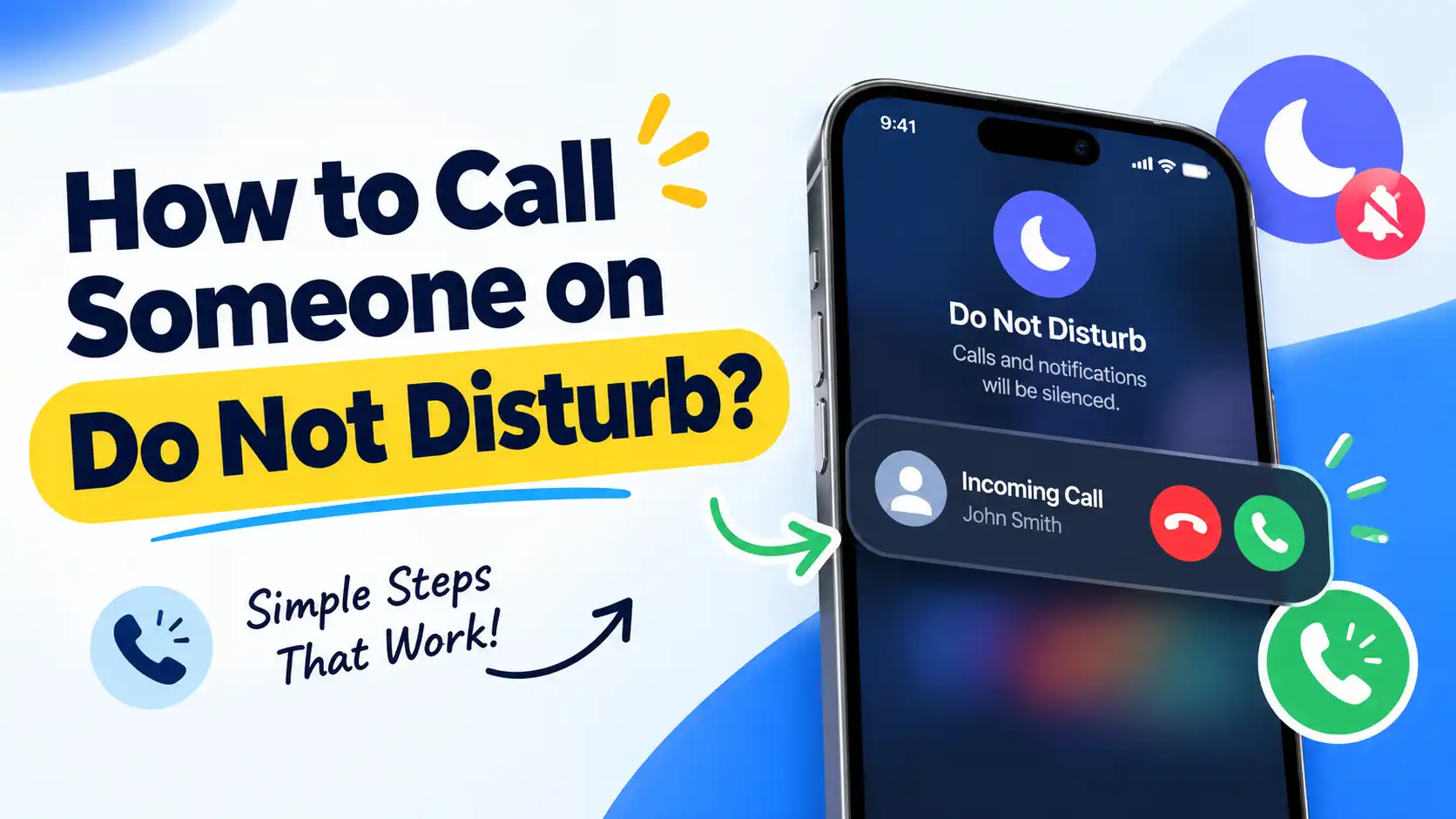
Do Not Disturb (DND) is a setting on iPhone and Android that silences your phone. When DND on, calls don’t ring, texts don’t buzz, and notifications don’t light up the screen.
Your phone still receives everything. It just doesn’t alert you. Calls usually go straight to voicemail after a single ring, and the caller won’t know you have DND turned on unless they can see your status directly.
People turn DND on for a lot of reasons. Some common ones:
- Sleep: No late-night calls or notification sounds waking you up.
- Focus: Fewer interruptions during work, study, or meetings.
- Privacy: Message previews and caller names don’t show up on the lock screen.
- Downtime: A break from constant notifications during personal time.
Can You Reach Someone by Phone When Do Not Disturb Is Enabled?
Yes, you can. DND blocks the call from ringing, but it does not stop the call from being placed or received. Many smartphones include special settings that allow selected calls to ring even when Do Not Disturb is enabled.
So if you need to reach someone urgently, you’re not stuck. You just need to know which method to use.
7 Ways to Call Someone on Do Not Disturb
1. Repeated Calls
This is the most reliable trick, and it works on both iPhone and Android.
If you call someone twice within a short window (usually 3 minutes), the second call will ring through, even with DND turned on. Phones treat back-to-back calls from the same number as a sign that something urgent is happening.
How to use it:
- Call the person once and let it ring for a few seconds.
- Hang up and call again within 3 minutes.
- The second call should ring on their end, bypassing DND.
Keep in mind this only works if the person has the “Allow Repeated Calls” setting turned on. It’s usually on by default, but not guaranteed.
2. Emergency Bypass (iPhone)
On iPhone, Emergency Bypass can be enabled for individual contacts. If someone activates this feature for your number, your calls and messages can still alert them even when Do Not Disturb or Focus mode is turned on.
If you’re the one setting it up for a contact on your own phone:
- Open the Contacts app.
- Select the contact.
- Tap Edit.
- Tap Ringtone (for calls) or Text Tone (for messages).
- Toggle on Emergency Bypass.
- Tap Done to save.
3. Favorites List
On an iPhone, you can configure Do Not Disturb to let calls from your Favorites contacts ring even when it’s enabled. This is a simpler alternative to Emergency Bypass and covers just phone calls, not texts.
How to add someone to Favorites:
- Open the Phone app.
- Tap the Favorites tab.
- Tap the + button.
- Select the contact you want to add.
Then, in Settings > Focus > Do Not Disturb > People, make sure calls from Favorites are allowed to break through.
4. Priority Call List
Android phones have a similar feature, usually called Priority contacts or Allowed during Do Not Disturb, depending on the phone brand.
How to set it up:
- Open Settings and tap Notifications.
- Tap Do Not Disturb.
- Tap Calls and messages (or a similarly named option).
- Look for Allowed during Do Not Disturb.
- Tap + Add contacts.
- Select the people you want to add, then tap Done.
5. Emergency Calls
If someone is genuinely in danger, calling emergency services (like 911) will always go through. Emergency lines aren’t affected by DND settings on either iPhone or Android.
Some phones also have emergency or SOS features that notify a person’s chosen contacts automatically if something happens, separate from regular calling. These are meant for real safety situations, not everyday urgent calls.
6. Third-Party Apps
DND settings are tied to the phone’s built-in calling and messaging system. Apps like WhatsApp, Messenger, or Telegram run independently, so their notifications aren’t always covered by the same DND rules.
If a call or message from a regular phone number isn’t getting through, try reaching the person through one of these apps instead. It’s not guaranteed to work, since some phones apply DND across all apps, but it’s worth a try.
7. Alternative Channels
If none of the above work, try a different way to get their attention:
- Send a text first. A message like “call me, it’s urgent” might prompt them to check their phone manually.
- Try a different number. If they’ve silenced calls from certain contacts but not others, calling from a different number might get through.
- Reach out to someone near them. A family member, roommate, or coworker may be able to pass along the message.
What If the Call Is an Emergency?
If it’s a genuine emergency, don’t rely on guesswork. Here’s what to do:
- Call twice within a few minutes. This is the fastest way to break through DND on most phones.
- Send a clear, urgent text right after your call, so they see it the moment they check their phone.
- If it’s an emergency, contact emergency services immediately. Do Not Disturb won’t prevent these calls from going through.
- Contact someone close to them who might be able to reach them another way, like a family member or roommate.
Repeated calls remain the fastest and most universal method, since it doesn’t require any setup ahead of time from the other person.
FAQs on Do Not Disturb Calling
Q1. How to get through if someone is on do not disturb?
Call them twice within about 3 minutes. Most phones let a second call ring through as an exception to DND. You can also try Favorites, Emergency Bypass, or messaging apps like WhatsApp.
Q2. What happens if I call someone who is on do not disturb?
The call won’t ring on their end. It typically goes to voicemail after one ring, and shows up as a missed call once they check their phone later.
Q3. How is someone bypassing my do not disturb?
They’re likely on your Favorites list, added as a Priority contact, or set up with Emergency Bypass.
Q4. What do people hear when they call and do not disturb is on?
They usually hear one ring, then get sent to voicemail. There’s no message telling them the phone is on DND, so it can feel the same as an unanswered call.
Q5. Can people still text you on Do Not Disturb?
Yes. Texts are still delivered and marked as read once you open them, but you won’t get a sound, vibration, or lock screen alert while DND is active.
Final Words
Do Not Disturb is meant to give you a break from constant notifications, not to cut you off completely. Almost every phone has a built-in way to let urgent calls through, whether that’s repeated calls, Favorites, Emergency Bypass, or a Priority contacts list.
If you regularly need to reach someone despite DND, it’s worth asking them to add you to one of these exception lists ahead of time. That way, you won’t need to rely on tricks when something urgent actually comes up.
Read More : What Is a Spy Dialer? The Free Reverse Phone Lookup Tool Explained