How to Block Private Numbers on iPhone and Android (2026 Guide)
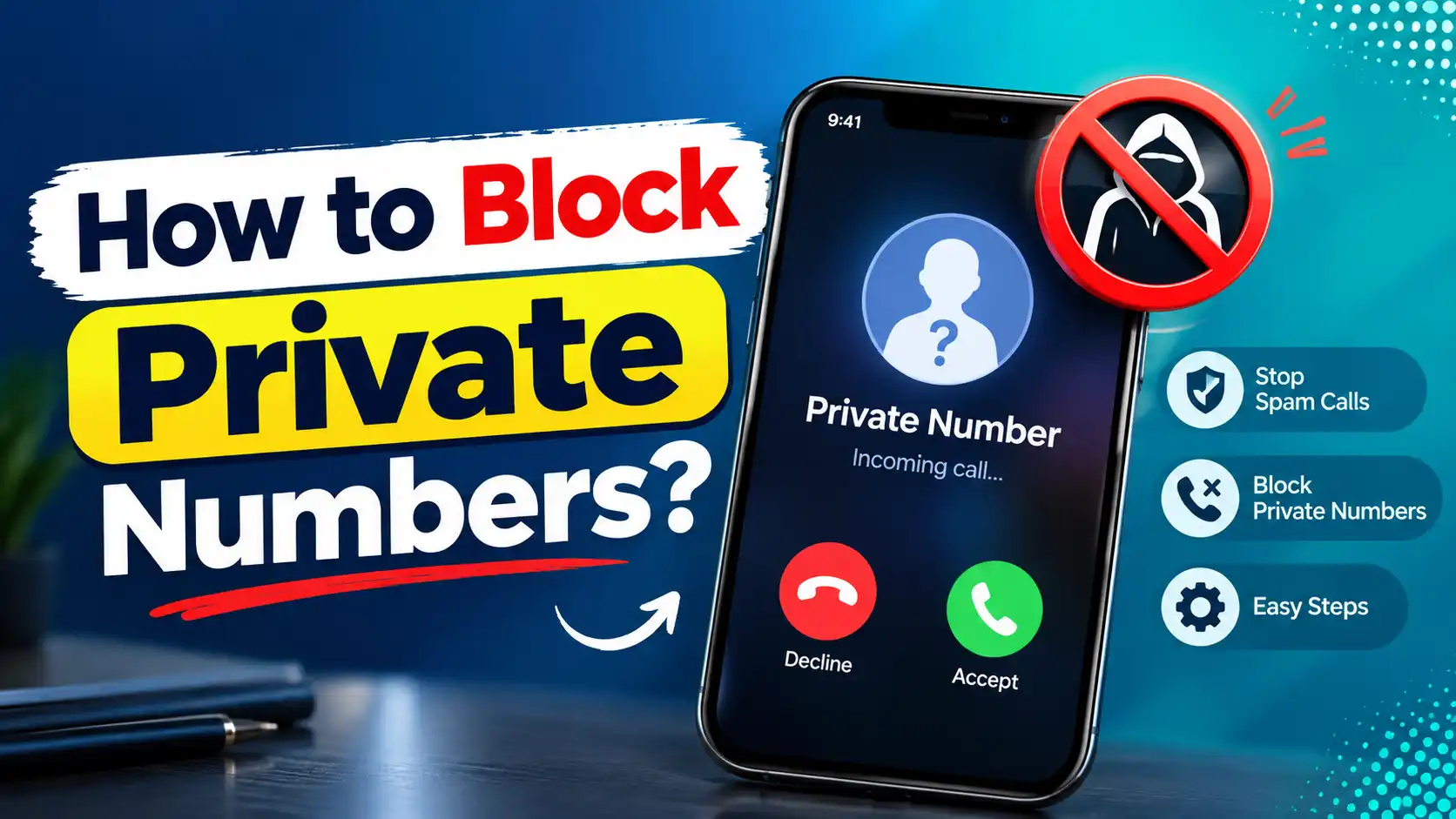
A private number call shows up with no name and no digits — just “Private,” “Blocked,” or “No Caller ID” on your screen. You can’t block that one caller directly, because there’s no number to block. But you can set your phone to block all calls that come in this way.
Here’s how to do it on iPhone, Android, through your carrier, and on a landline.
What Is a Private Number?
A private number is a call where the caller has hidden their phone number. It shows up as “Private,” “Blocked,” “Unknown,” or “No Caller ID,” depending on your phone and carrier.
This is different from an unknown number. An unknown number just means the caller isn’t saved in your contacts — you can still see their digits. A private number hides the digits completely.
People hide their number by dialing *67 before a call, or by turning on a permanent privacy setting through their carrier.
How to Block Private Numbers on iPhone?
iPhone doesn’t have a button labeled “block private callers.” The closest thing is Silence Unknown Callers, which sends any call from a number not in your contacts straight to voicemail without ringing.
- Open Settings.
- Tap Phone.
- Tap Silence Unknown Callers.
- Toggle it on.
Once this is on, private and unrecognized numbers won’t ring your phone. They’ll go straight to voicemail instead.
How to Block Private Numbers on Android?
Most Android phones have a setting to block unknown numbers, including private ones. The exact menu names shift a little between Samsung, Pixel, and other brands, but the steps are close to this:
- Open your Phone app.
- Tap the three-dot menu.
- Tap Settings.
- Tap Blocked numbers.
- Turn on Unknown.
If Your Phone’s Menu Looks Different
If you can’t find “Blocked numbers,” search your phone’s settings app for “call block” or “call rejection” — the feature is almost always there, just under a different label.
How to Block Private Numbers Through Your Carrier?
Your carrier can also block private calls at the network level, which works even if your phone doesn’t have a good built-in option.
i. AT&T
Dial *77 from your phone to block calls with no caller ID. Callers without an ID will hear a message saying you don’t accept anonymous calls. To reverse it, dial *87. AT&T also lets you turn on Block Anonymous Calls from the Call Filtering section of the AT&T phone portal.
ii. Verizon
Go to My Verizon (app or website), open Block Calls & Messages, and manage blocking from there. You can also call 611 to ask a representative to set it up for you.
iii. T-Mobile
T-Mobile doesn’t let you turn on permanent caller-ID blocking from the phone itself — that setting is at the account level. Contact T-Mobile support or manage it through the T-Mobile app to request it.
How to Block Private Numbers on a Landline?
Landlines have their own tools for this, and most of them don’t need any app.
i. Use Anonymous Call Rejection (*77)
Dial *77 from your landline. This turns on Anonymous Call Rejection, which blocks any call showing “private,” “blocked,” or “anonymous” before it reaches your phone. To turn it off, dial *87.
ii. Block specific numbers with *60
If you know the number you want to block, dial *60 and follow the voice prompts to add it to your block list. This works for numbers with visible caller ID — not private ones. Some providers cap this at 10 numbers, and toll-free numbers usually can’t be blocked this way.
iii. Use a call-blocking device
If your provider doesn’t support these star codes, a physical call-blocking device is another option. Devices like the CPR V5000 or the Panasonic KX-TGA710B connect to your landline and can automatically screen out private, unknown, and international calls using your line’s caller ID service.
Most work with both traditional landlines and VoIP-based home phone lines.
FAQs on Block Private Numbers
Q1. What to do if a private number keeps calling you?
Let it go to voicemail first — if it’s a real person with a real reason to call, they’ll usually leave a message. If the calls keep coming, turn on Anonymous Call Rejection through your carrier or the Block Unknown setting on your phone.
Q2. Can I permanently block private numbers?
Yes. Turning on Silence Unknown Callers (iPhone), the Unknown toggle in Blocked Numbers (Android), or Anonymous Call Rejection through your carrier all stay on until you manually turn them off.
Q3. Can I find out who is calling from a private number?
Not reliably on your own. Carriers won’t unmask a withheld number just because you ask. If the calls involve harassment or a threat, law enforcement can request the caller’s information from the carrier directly.
Apps like TrapCall or Truecaller claim to unmask some private numbers, but this isn’t guaranteed to work for every call.
Q4. Is Private Number the same as No Caller ID?
Yes. “Private,” “Blocked,” “Unknown,” and “No Caller ID” all describe the same thing — the caller’s number has been hidden and isn’t being shown to you.
Final Remarks
Blocking a specific private number isn’t possible, since there’s no number to block in the first place. What you can do is block the entire category of hidden-ID calls, either through your phone’s settings or your carrier.
If the calls are just annoying, your phone’s built-in tools are usually enough. If they’re persistent or threatening, loop in your carrier and, if needed, the police.
Read More : How to Stop Spam Calls: Effective Ways to Block Unwanted Calls in 2026