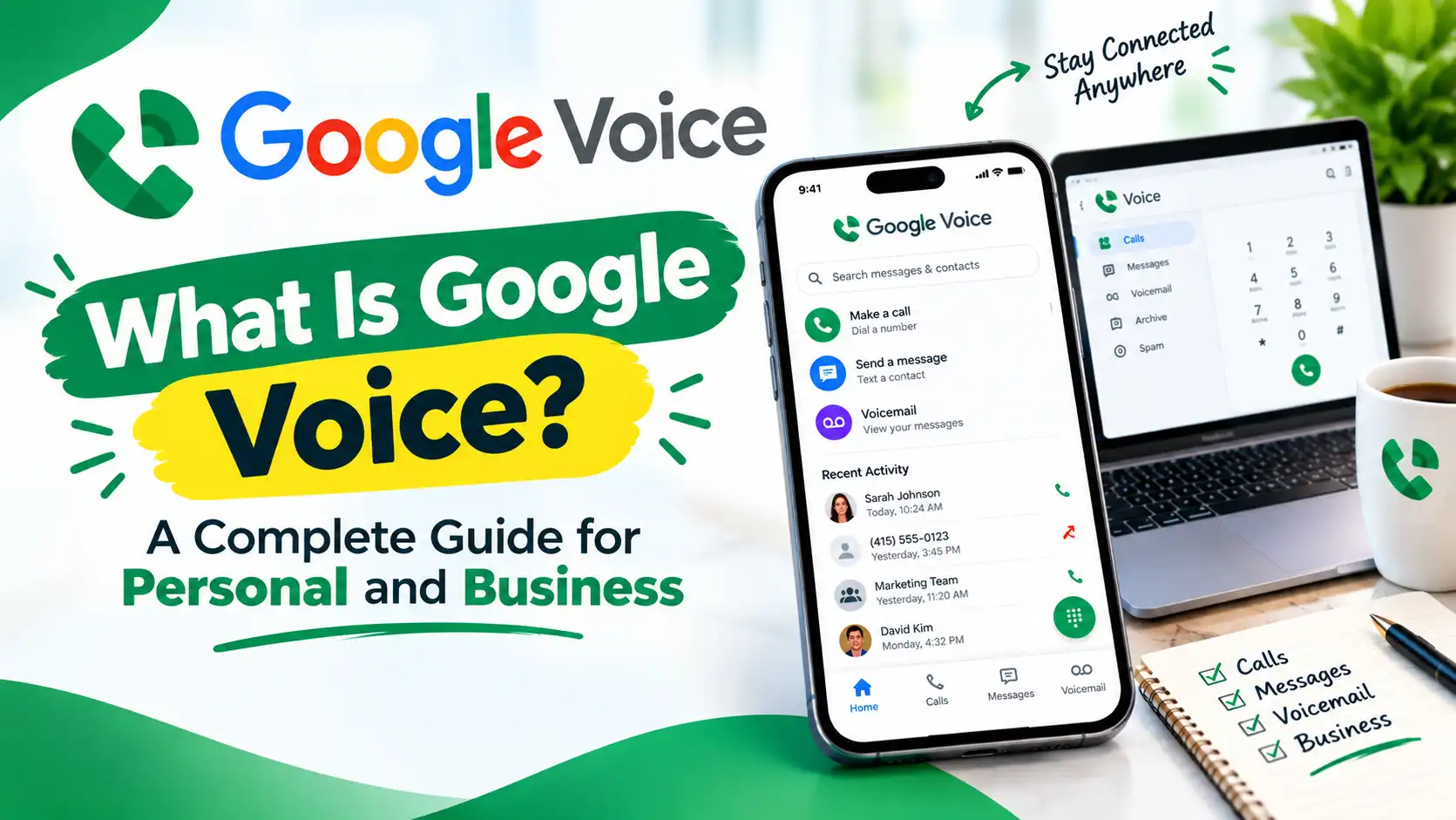
What Is Google Voice? A Complete Guide for Personal and Business Use
Google Voice is a free phone number from Google that works for calls, texts, and voicemail. It’s been around since 2009, and it’s still one of the easiest ways to get a second number without buying a new phone or SIM card.
But “free” only tells half the story. Google Voice also has paid business plans, and the free and paid versions work very differently.
This guide breaks down what Google Voice actually is and how it works.
What Is Google Voice?
Google Voice is a VoIP (Voice over Internet Protocol) service tied to your Google Account. It gives you a U.S. phone number you can use to call, text, and manage voicemail — all over the internet.
Google launched it in 2009, after acquiring a service called GrandCentral.
There are really two versions of Google Voice:
- Personal: free, tied to a personal Gmail account, U.S. numbers only
- Business: paid, requires Google Workspace, available in more countries, with features built for teams
How Does Google Voice Work?
Google Voice runs on VoIP technology. Instead of using a phone line, it turns your voice into a digital signal and sends it over the internet. That’s what lets you make and receive calls from a computer, a mobile browser, or the Google Voice app — no SIM card or landline needed.
To set it up, you’ll need two things: a Google Account and a working U.S. phone number. Google uses that number to verify your identity, and to forward your calls if you want them ringing on your actual phone too.
Once verified, you can use Google Voice on Windows, MacOS, or ChromeOS, and in any major browser — Chrome, Safari, Firefox, or Edge.
If you’d rather use a physical phone, you can also connect Google Voice to a compatible desk phone through a multi-line setup. That way you get Google Voice’s features on a traditional-style handset.
Google Voice Features
Here are the key features of Google Voice :
i. Google Voice Phone Number
When you sign up, you get to pick your own number. You can search by city or area code to see what’s available.
One thing to know upfront: Google Voice doesn’t offer toll-free (1-800) numbers through standard signup. If your business needs one, you’ll need to look elsewhere for that specific number type.
ii. Voice Calls
Google Voice handles both domestic and international calls. Calls within the U.S. and Canada are largely free. International calls are billed at per-minute rates that vary by country, based on Google’s published rate schedule.
iii. Text Messaging
You can send and receive texts from your computer or phone, and they sync across both. Google Voice also supports group texting, so you’re not limited to one-on-one conversations.
iv. Voicemail Transcription
Instead of listening to every voicemail, Google Voice transcribes them into text automatically. You can read them the same way you’d scan an email, which makes it easier to search past messages later.
v. Spam Call Protection
Google Voice filters out likely spam calls automatically, so fewer robocalls and scam numbers make it to your phone in the first place.
vi. Call Blocking
If a specific number keeps bothering you, you can block it directly. The caller won’t be notified — they’ll just hear a message saying the number is no longer in service.
vii. Call Screening
Before you pick up, Google Voice can let you hear who’s calling and why. That gives you the choice to answer, send it to voicemail, or decline — without playing guessing games with unknown numbers.
viii. Call Forwarding
Incoming calls can ring on more than one device at once — your phone, your computer, whatever you’ve linked. If you’re mid-call, you can also switch between devices without dropping it.
ix. International Calling
Google Voice supports outbound international calls to a wide range of countries. Rates are billed per minute and vary by destination, based on Google’s published pricing.
Is Google Voice Free?
For personal use, yes — mostly. You can sign up, claim a number, and make calls to almost any U.S. or Canadian number without paying anything.
The only cost on the personal side is international calling. If you’re calling outside the U.S. or Canada, you’ll pay a per-minute rate that changes depending on the country you’re calling.
Business use is a different story. Google Voice for Google Workspace isn’t free — it’s a paid add-on, and pricing depends on the plan and the number of users. We’ll break that down next.
Google Voice Pricing
| Plan | Price | Best For |
| Free Google Voice | $0 | Personal users |
| Voice Starter | $10/month | Individuals/small businesses |
| Voice Standard | $20/month | Businesses needing more features |
| Voice Premier | $30/user/month | Larger/global organizations |
How to Get a Google Voice Number?
Getting a number takes just a few minutes. Here’s the process, based on Google’s own setup instructions:
- Go to voice.google.com and select “For Personal Use”
- Sign in with your Google Account
- Accept the Terms of Service and Privacy Policy
- Search for a number by city or area code — if nothing’s available in your area, try a nearby one
- Select a number and follow the prompts to verify it with your existing U.S. mobile or landline number
That’s it — once verified, your number is active and ready to use on both the web and the mobile app.
Where Is Google Voice Available?
Availability depends on which version you’re using.
Personal Google Voice is U.S.-only. If you’re signing up with a personal Gmail account for free use, you need a U.S. phone number to verify your identity.
Google Voice for Business (through Google Workspace) reaches further. Based on Google’s own supported countries list, first-party Google Voice numbers are available in:
- United States (excluding Alaska, Hawaii, and several U.S. territories)
- Canada
- United Kingdom
- Belgium
- Denmark
- France
- Germany
- Ireland
- Italy
- Netherlands
- Portugal
- Spain
- Sweden
- Switzerland
Google Voice Personal vs Business
| Feature | Personal | Business |
| Phone number | ✓ | ✓ |
| Calling | ✓ | ✓ |
| Texting | ✓ | ✓ |
| Voicemail | ✓ | ✓ |
| Voicemail transcription | ✓ | ✓ |
| Automated attendant | Limited/plan dependent | ✓ |
| Business administration | ✗ | ✓ |
| Google Workspace integration | Limited | ✓ |
| Advanced business features | Limited | ✓ |
Pros and Cons of Google Voice
Pros of Google Voice
- Easy to use — the setup takes minutes, and the interface feels familiar if you already use Gmail or other Google apps
- Google ecosystem integration — works smoothly alongside Gmail, Calendar, and Meet
- Free personal option — no cost to get a number, make U.S./Canada calls, or send texts
- Calling and texting — covers the basics most people actually need day to day
- Voicemail transcription — turns voicemails into readable text automatically
- Spam protection — filters out likely spam calls before they reach you
- Works across supported devices — syncs between computer, phone, and browser
Cons of Google Voice
- Geographic restrictions — personal use is U.S.-only, and even business availability is limited to a specific list of countries
- Business features depend on plan — auto attendants, call queuing, and recording are locked behind higher-priced tiers
- Not as feature-rich as some dedicated business VoIP platforms — no toll-free numbers, and CRM or helpdesk integrations aren’t built in
- Some advanced business requirements may require alternatives — larger teams or companies needing deeper call routing, shared inboxes, or third-party integrations tend to outgrow it
Best Google Voice Alternatives
If you’ve outgrown what Google Voice can offer — no toll-free numbers, limited integrations, or business features locked behind higher tiers — a few names come up consistently as replacements:
1. RingCentral
RingCentral is full business phone system with auto attendants, video conferencing, team messaging, and AI tools built in. Good fit if you need something that scales well beyond a small team.
2. Zoom Phone
Makes sense if your team already uses Zoom for meetings. It bundles calling with the video and chat tools you’re likely already paying for.
3. Dialpad
Known for AI features like call transcription and coaching, which can help sales or support teams that handle a high call volume.
4. A2P Calling
A2P Calling built for small teams that want shared numbers and a collaborative inbox, without the complexity of a full enterprise system.
5. Nextiva
A solid middle-ground option with strong support and onboarding, useful for teams that want guidance setting things up rather than figuring it out alone.
6. Grasshopper
Aimed at solopreneurs who want a simple second line without per-user pricing.
7. Ooma
Works well for traditional office setups that don’t have a dedicated IT team managing the system.
The right pick really comes down to why you’re leaving Google Voice in the first place — team size, integrations you need, or features like toll-free numbers and call routing that Google Voice doesn’t offer.
FAQs on Google Voice
Q1. Can I use Google Voice for my business?
Yes. You’ll need a Google Workspace subscription plus one of the three paid Voice plans (Starter, Standard, or Premier).
Q2. Does Google Voice work outside the US?
It depends on which version. The free personal plan is U.S.-only. The business version, through Google Workspace, is available in a wider set of countries, including Canada, the U.K., and several countries in Europe.
Q3. Can Google Voice receive text messages?
Yes. Google Voice supports both sending and receiving texts, and messages sync across your phone, computer, and the Voice app.
Q4. Does Google Voice work with Wi-Fi?
Yes. Since Google Voice runs over the internet rather than a cellular connection, it works fine on Wi-Fi.
Final Words
Google Voice is a solid pick if you just need a free number for personal calls and texts. It’s simple to set up, and for most individual use cases, it does the job without costing anything.
Where it gets more complicated is on the business side. The paid plans work, but they come with limitations — no toll-free numbers, feature gaps between tiers, and a requirement to run Google Workspace alongside it.
If your team needs deeper call routing, CRM integrations, or features built specifically for scaling a business, it’s worth comparing Google Voice against dedicated business VoIP platforms before committing.
Read More : What Is a Spy Dialer? The Free Reverse Phone Lookup Tool Explained